## ___***DynamiCrafter: Animating Open-domain Images with Video Diffusion Priors***___
     
[![Open in OpenXLab](https://cdn-static.openxlab.org.cn/app-center/openxlab_app.svg)](https://openxlab.org.cn/apps/detail/JinboXING/DynamiCrafter)        _**[Jinbo Xing](https://doubiiu.github.io/), [Menghan Xia*](https://menghanxia.github.io), [Yong Zhang](https://yzhang2016.github.io), [Haoxin Chen](), [Wangbo Yu](),

[Hanyuan Liu](https://github.com/hyliu), [Xintao Wang](https://xinntao.github.io/), [Tien-Tsin Wong*](https://www.cse.cuhk.edu.hk/~ttwong/myself.html), [Ying Shan](https://scholar.google.com/citations?hl=en&user=4oXBp9UAAAAJ&view_op=list_works&sortby=pubdate)**_

(* corresponding authors) From CUHK and Tencent AI Lab.
## ๐Ÿ”† Introduction ### ๐Ÿ”ฅ๐Ÿ”ฅ New Update Rolls Out for DynamiCrafter! Better Dynamic, Higher Resolution, and Stronger Coherence!
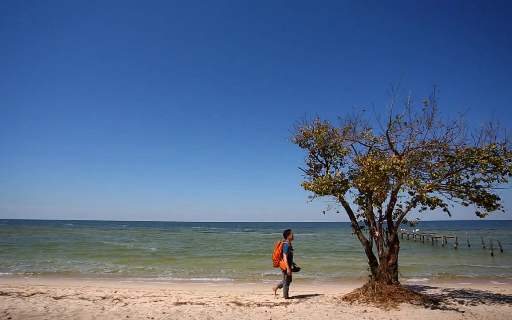
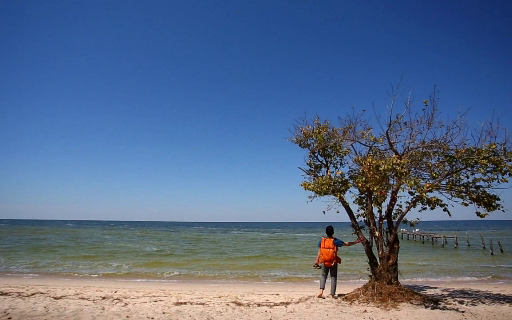
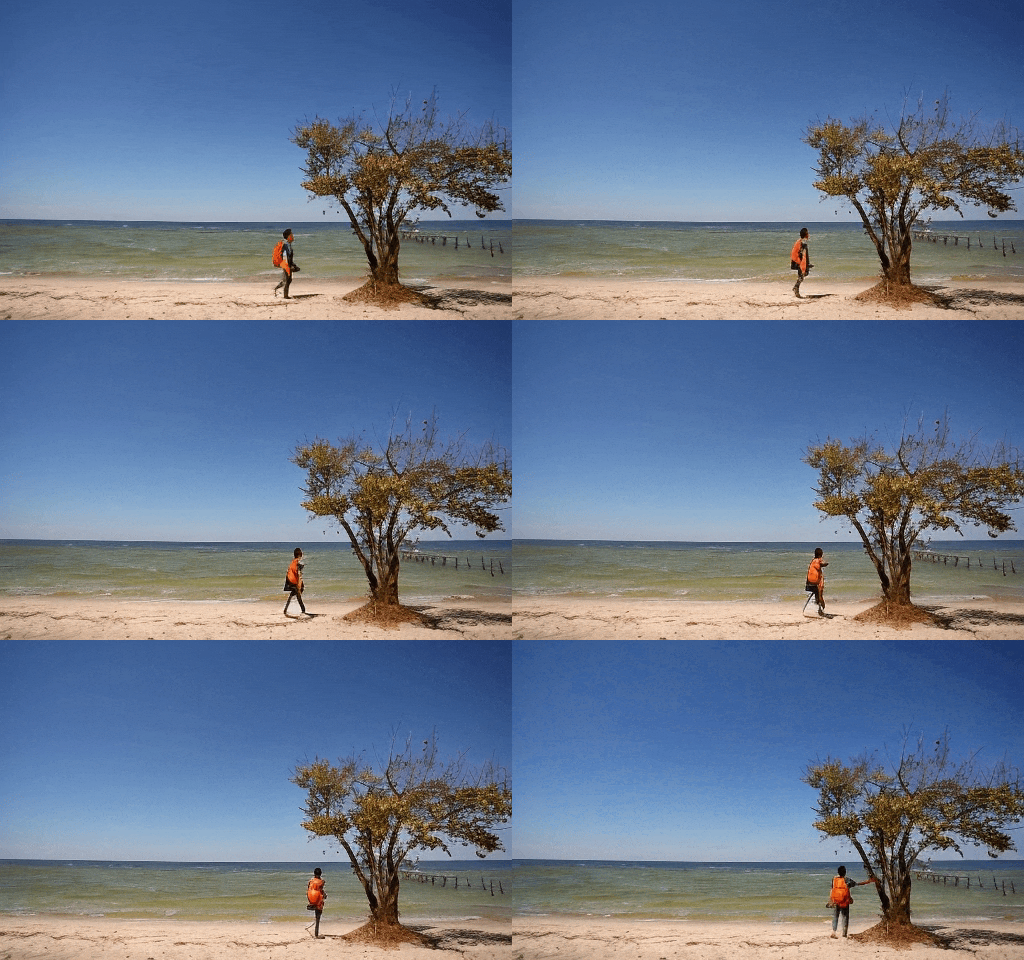
๐Ÿค— DynamiCrafter can animate open-domain still images based on text prompt by leveraging the pre-trained video diffusion priors. Please check our project page and paper for more information.
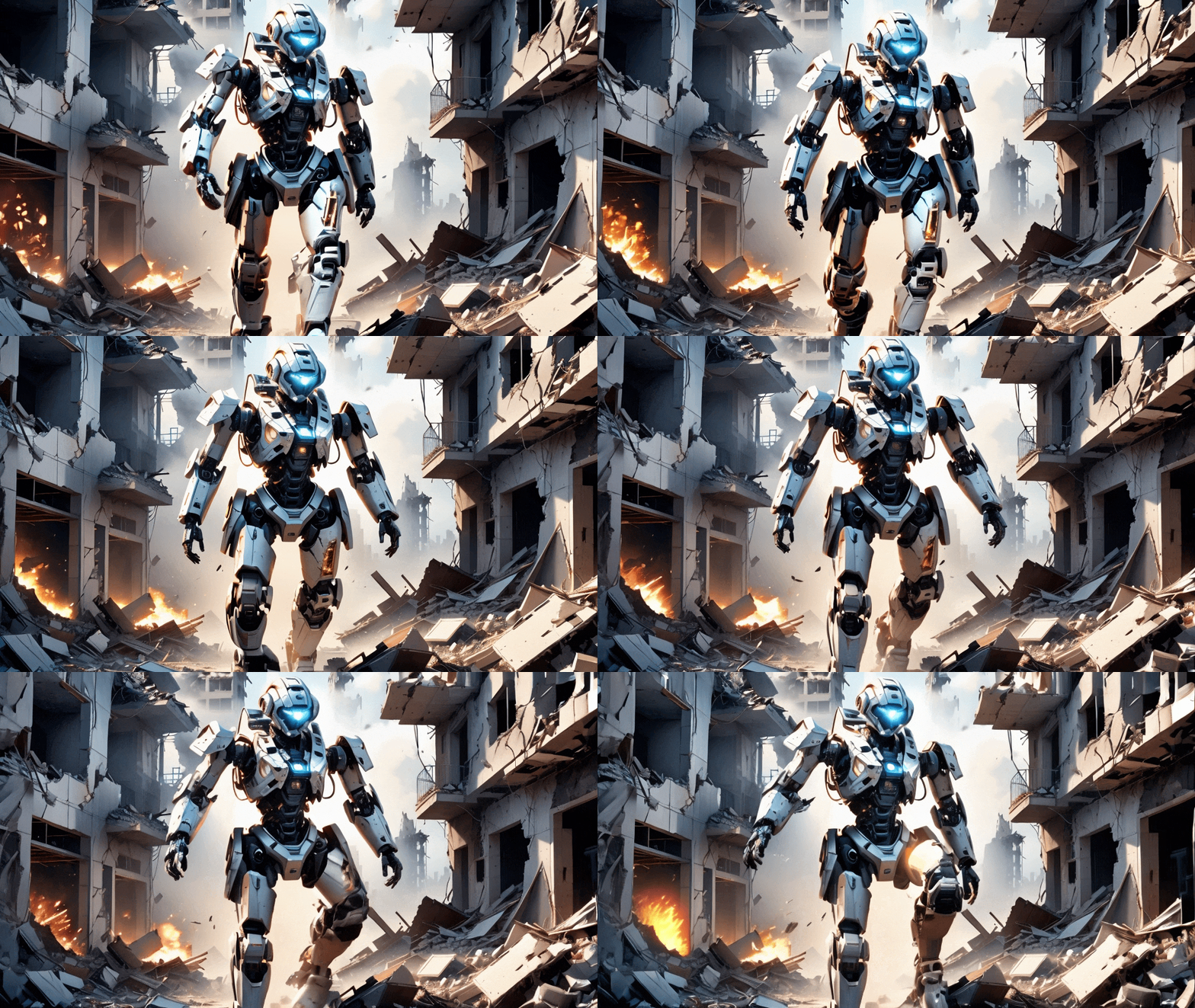
๐Ÿ˜€ We will continue to improve the model's performance. ๐Ÿ‘€ Seeking comparisons with [Stable Video Diffusion](https://stability.ai/news/stable-video-diffusion-open-ai-video-model) and [PikaLabs](https://pika.art/)? Click the image below. [![](https://img.youtube.com/vi/0NfmIsNAg-g/0.jpg)](https://www.youtube.com/watch?v=0NfmIsNAg-g) ### 1.1. Showcases (576x1024)
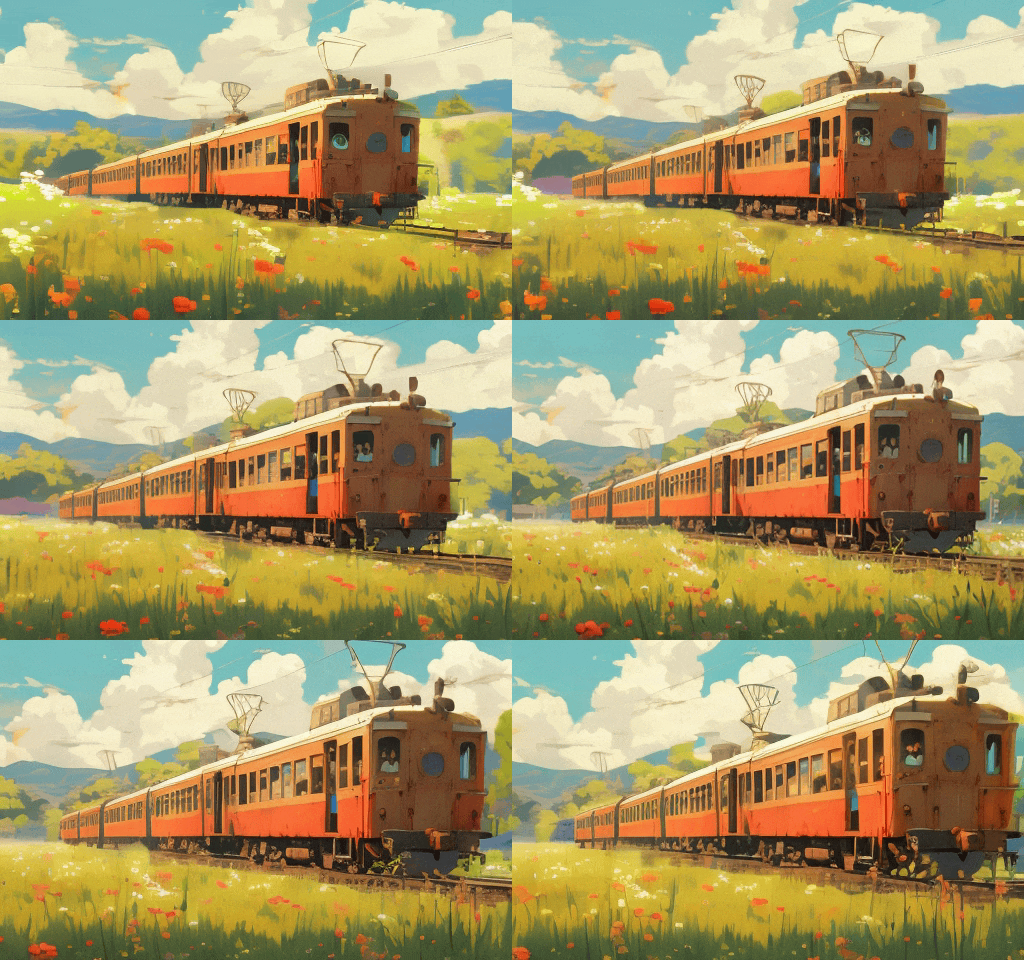
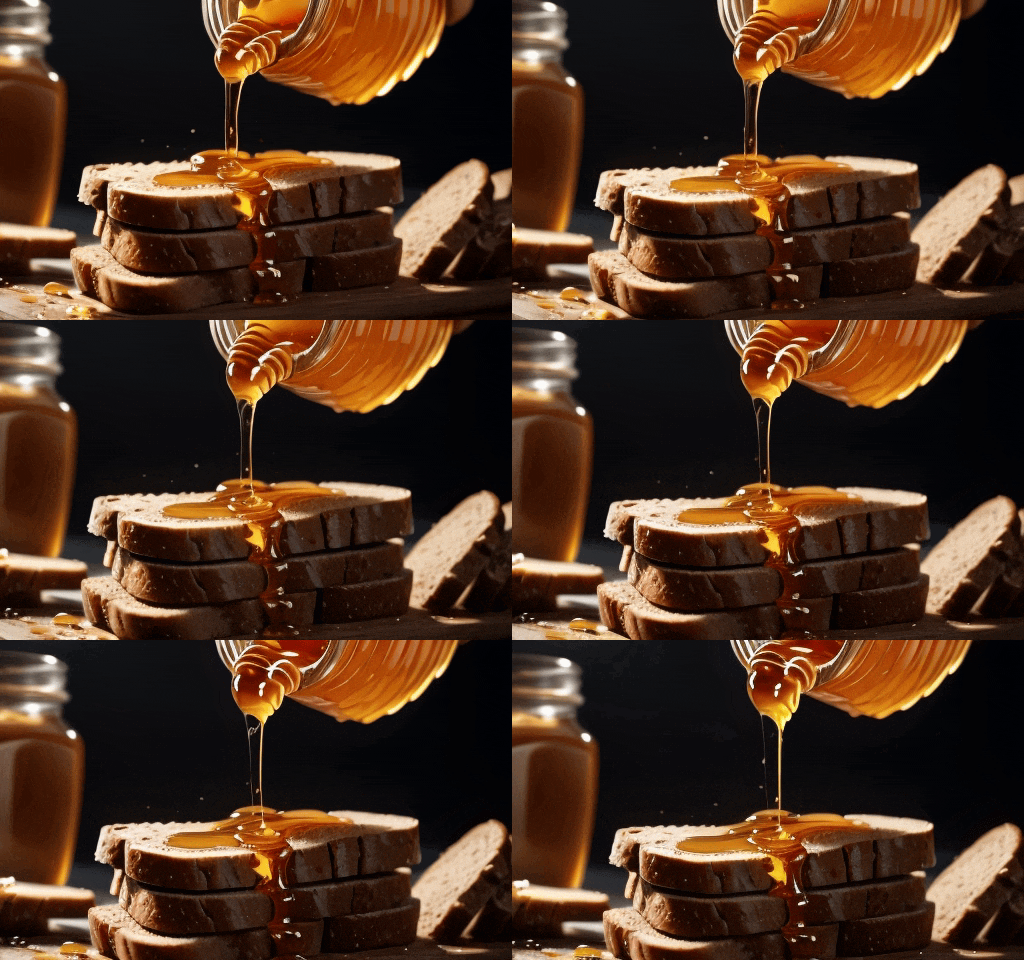
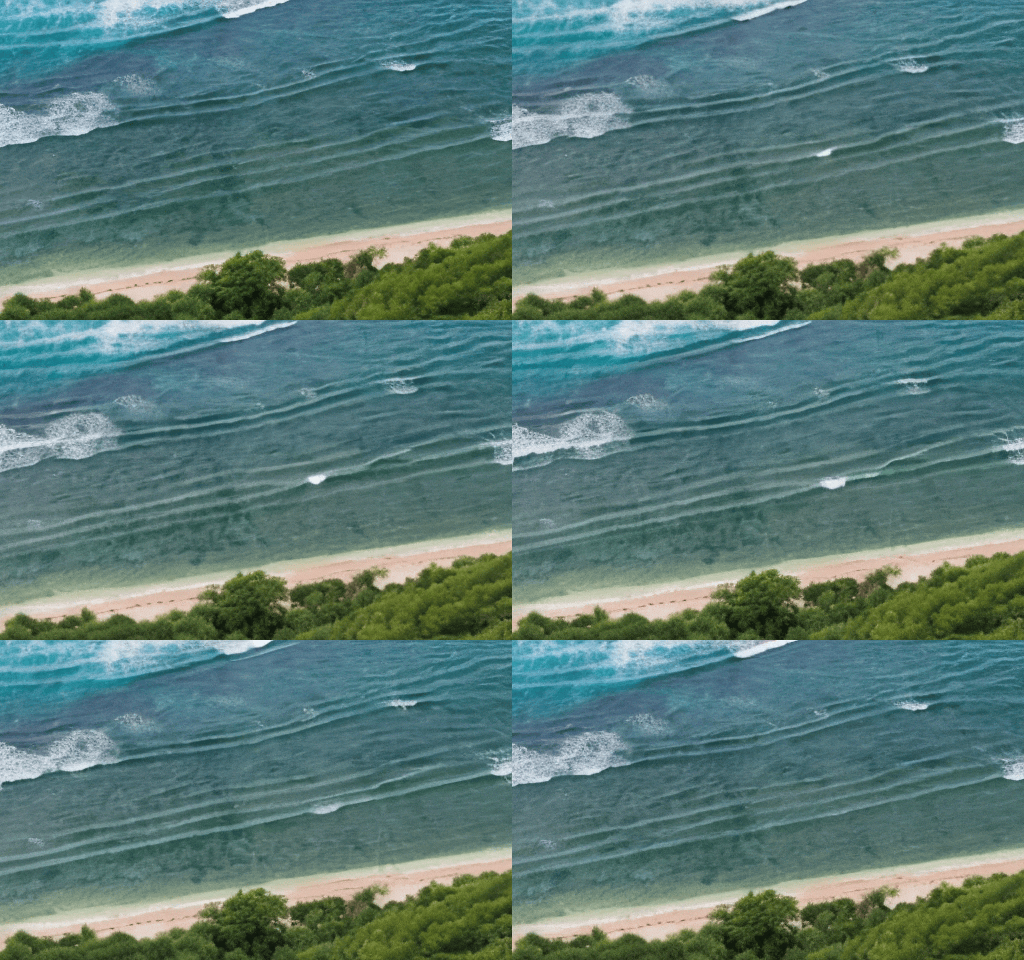
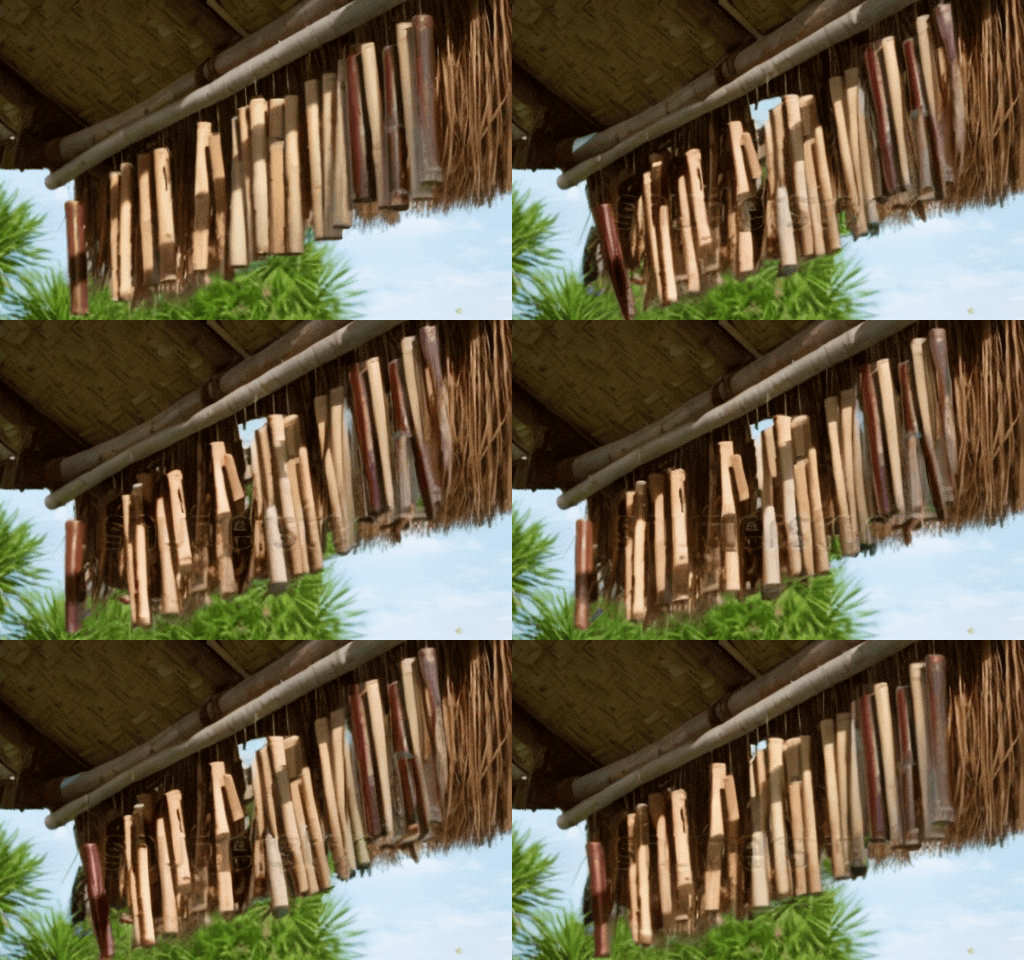
### 1.2. Showcases (320x512)
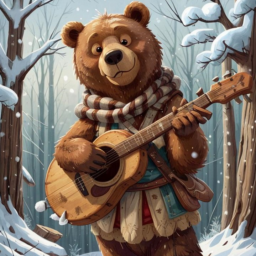
### 1.3. Showcases (256x256)
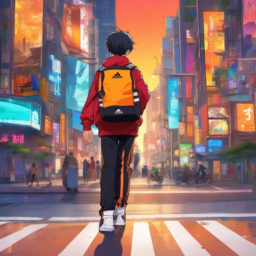
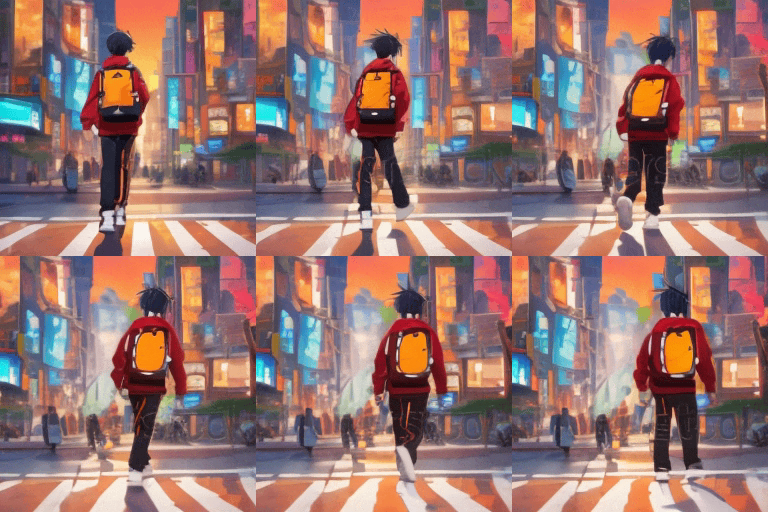
"bear playing guitar happily, snowing" "boy walking on the street"
### 2. Applications #### 2.1 Storytelling video generation (see project page for more details)
#### 2.2 Looping video generation
#### 2.3 Generative frame interpolation
Input starting frame Input ending frame Generated video
## ๐Ÿ“ Changelog - __[2024.02.05]__: ๐Ÿ”ฅ๐Ÿ”ฅ Release high-resolution models (320x512 & 576x1024). - __[2023.12.02]__: Launch the local Gradio demo. - __[2023.11.29]__: Release the main model at a resolution of 256x256. - __[2023.11.27]__: Launch the project page and update the arXiv preprint.
## ๐Ÿงฐ Models |Model|Resolution|GPU Mem. & Inference Time (A100, ddim 50steps)|Checkpoint| |:---------|:---------|:--------|:--------| |DynamiCrafter1024|576x1024|18.3GB & 75s (`perframe_ae=True`)|[Hugging Face](https://huggingface.co/Doubiiu/DynamiCrafter_1024/blob/main/model.ckpt)| |DynamiCrafter512|320x512|12.8GB & 20s (`perframe_ae=True`)|[Hugging Face](https://huggingface.co/Doubiiu/DynamiCrafter_512/blob/main/model.ckpt)| |DynamiCrafter256|256x256|11.9GB & 10s (`perframe_ae=False`)|[Hugging Face](https://huggingface.co/Doubiiu/DynamiCrafter/blob/main/model.ckpt)| Currently, our DynamiCrafter can support generating videos of up to 16 frames with a resolution of 576x1024. The inference time can be reduced by using fewer DDIM steps. GPU memory consumed on RTX 4090 reported by @noguchis in [Twitter](https://x.com/noguchis/status/1754488826016432341?s=20): 18.3GB (576x1024), 12.8GB (320x512), 11.9GB (256x256). ## โš™๏ธ Setup ### Install Environment via Anaconda (Recommended) ```bash conda create -n dynamicrafter python=3.8.5 conda activate dynamicrafter pip install -r requirements.txt ``` ## ๐Ÿ’ซ Inference ### 1. Command line 1) Download pretrained models via Hugging Face, and put the `model.ckpt` with the required resolution in `checkpoints/dynamicrafter_[1024|512|256]_v1/model.ckpt`. 2) Run the commands based on your devices and needs in terminal. ```bash # Run on a single GPU: # Select the model based on required resolutions: i.e., 1024|512|320: sh scripts/run.sh 1024 # Run on multiple GPUs for parallel inference: sh scripts/run_mp.sh 1024 ``` ### 2. Local Gradio demo 1. Download the pretrained models and put them in the corresponding directory according to the previous guidelines. 2. Input the following commands in terminal (choose a model based on the required resolution: 1024, 512 or 256). ```bash python gradio_app.py --res 1024 ``` Community Extensions: [ComfyUI](https://github.com/chaojie/ComfyUI-DynamiCrafter) (Thanks to [chaojie](https://github.com/chaojie)). ## ๐Ÿ‘จโ€๐Ÿ‘ฉโ€๐Ÿ‘งโ€๐Ÿ‘ฆ Crafter Family [VideoCrafter1](https://github.com/AILab-CVC/VideoCrafter): Framework for high-quality video generation. [ScaleCrafter](https://github.com/YingqingHe/ScaleCrafter): Tuning-free method for high-resolution image/video generation. [TaleCrafter](https://github.com/AILab-CVC/TaleCrafter): An interactive story visualization tool that supports multiple characters. [LongerCrafter](https://github.com/arthur-qiu/LongerCrafter): Tuning-free method for longer high-quality video generation. [MakeYourVideo, might be a Crafter:)](https://doubiiu.github.io/projects/Make-Your-Video/): Video generation/editing with textual and structural guidance. [StyleCrafter](https://gongyeliu.github.io/StyleCrafter.github.io/): Stylized-image-guided text-to-image and text-to-video generation. ## ๐Ÿ˜‰ Citation ```bib @article{xing2023dynamicrafter, title={DynamiCrafter: Animating Open-domain Images with Video Diffusion Priors}, author={Xing, Jinbo and Xia, Menghan and Zhang, Yong and Chen, Haoxin and Yu, Wangbo and Liu, Hanyuan and Wang, Xintao and Wong, Tien-Tsin and Shan, Ying}, journal={arXiv preprint arXiv:2310.12190}, year={2023} } ``` ## ๐Ÿ™ Acknowledgements We would like to thank [AK(@_akhaliq)](https://twitter.com/_akhaliq?lang=en) for the help of setting up hugging face online demo, and [camenduru](https://twitter.com/camenduru) for providing the replicate & colab online demo. ## ๐Ÿ“ข Disclaimer We develop this repository for RESEARCH purposes, so it can only be used for personal/research/non-commercial purposes. ****