Drag Your Noise: Interactive Point-based Editing via Diffusion Semantic Propagation
Haofeng Liu
Chenshu Xu
Yifei Yang
Lihua Zeng
Shengfeng He



## News and Update
* [Apr 5th] v1.0.0 Release.
## Installation
It is recommended to run our code on a Nvidia GPU with a linux system. Currently, it requires around 14 GB GPU memory to run our method.
To install the required libraries, simply run the following command:
```
conda env create -f environment.yaml
conda activate dragnoise
```
## Run DragNoise
To start with, in command line, run the following to start the gradio user interface:
```
python3 drag_ui.py
```
Basically, it consists of the following steps:
### Dragging Input Real Images
#### 1) train a LoRA
* Drop our input image into the left-most box.
* Input a prompt describing the image in the "prompt" field
* Click the "Train LoRA" button to train a LoRA given the input image
#### 2) do "drag" editing
* Draw a mask in the left-most box to specify the editable areas. (optional)
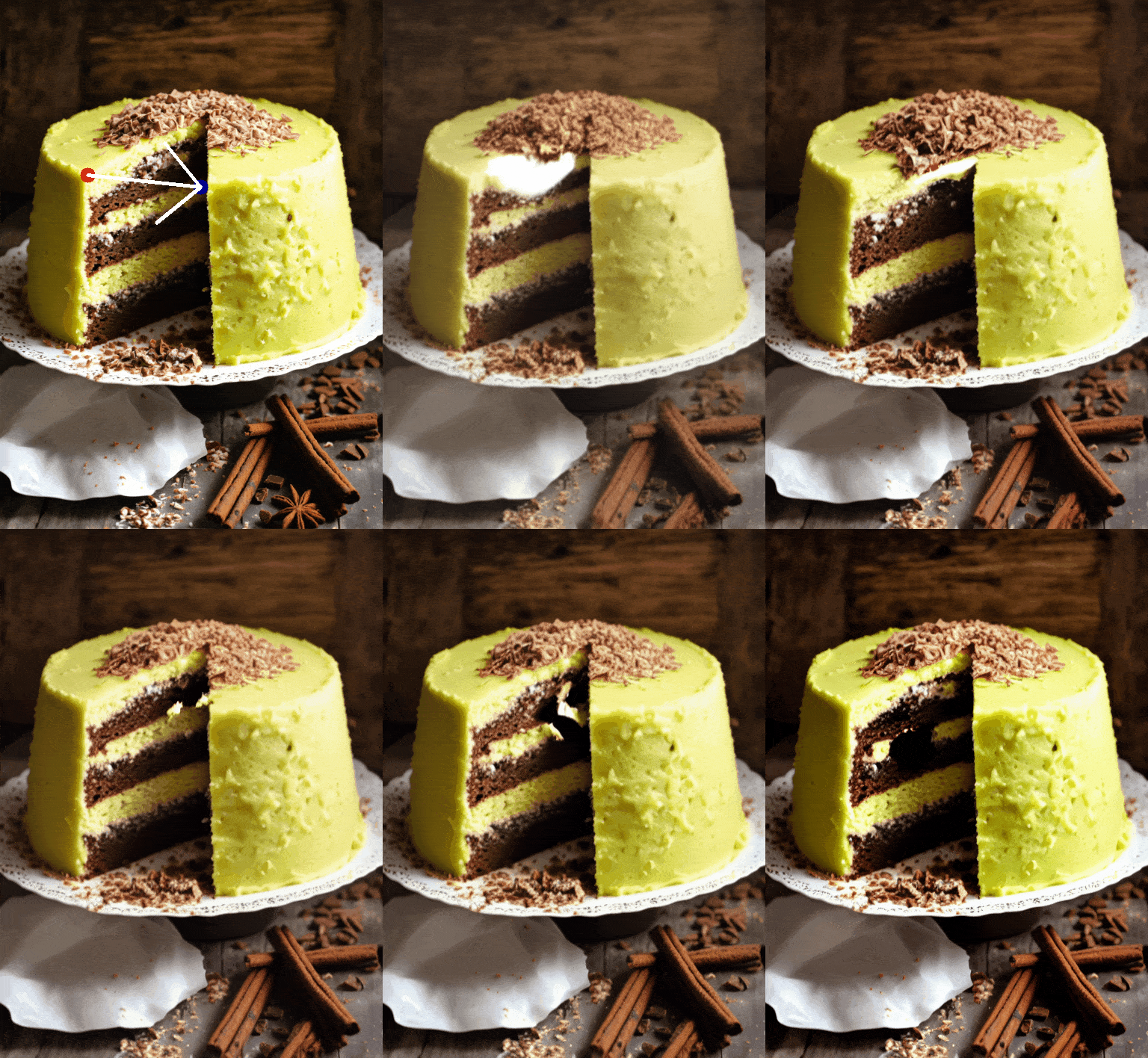
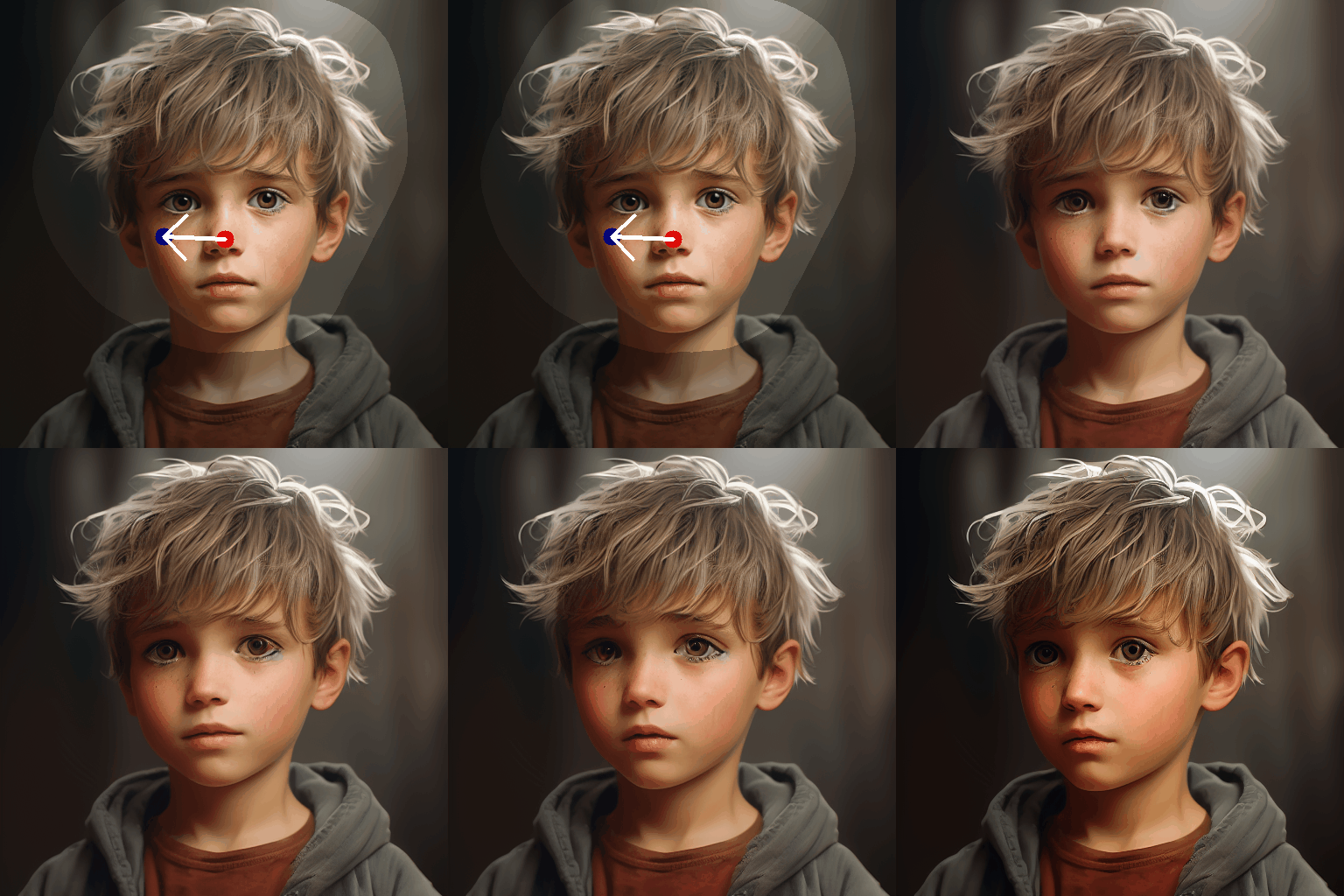
* Click handle and target points in the middle box. Also, you may reset all points by clicking "Undo point".
* Click the "Run" button to run our algorithm. Edited results will be displayed in the right-most box.
## More result
## License
Code related to the Drag algorithm is under Apache 2.0 license.
## BibTeX
If you find our repo helpful, please consider leaving a star or cite our paper :
```bibtex
@misc{liu2024drag,
title={Drag Your Noise: Interactive Point-based Editing via Diffusion Semantic Propagation},
author={Haofeng Liu and Chenshu Xu and Yifei Yang and Lihua Zeng and Shengfeng He},
year={2024},
eprint={2404.01050},
archivePrefix={arXiv},
primaryClass={cs.CV}
}
```
## Contact
For any questions on this project, please contact liuhaofeng2022@163.com
## Acknowledgement
This work is inspired by the amazing [DragGAN](https://vcai.mpi-inf.mpg.de/projects/DragGAN/). We also benefit from the codebase of [DragDiffusion](https://github.com/Yujun-Shi/DragDiffusion).
## Related Links
* [Drag Your GAN: Interactive Point-based Manipulation on the Generative Image Manifold](https://vcai.mpi-inf.mpg.de/projects/DragGAN/)
* [DragDiffusion: Harnessing Diffusion Models for Interactive Point-based Image Editing](https://github.com/Yujun-Shi/DragDiffusion)
* [DragonDiffusion: Enabling Drag-style Manipulation on Diffusion Models](https://mc-e.github.io/project/DragonDiffusion/)
* [FreeDrag: Point Tracking is Not You Need for Interactive Point-based Image Editing](https://lin-chen.site/projects/freedrag/)
## Common Issues and Solutions
1) For users struggling in loading models from huggingface due to internet constraint, please 1) follow this [links](https://zhuanlan.zhihu.com/p/475260268) and download the model into the directory "local\_pretrained\_models"; 2) Run "drag\_ui.py" and select the directory to your pretrained model in "Algorithm Parameters -> Base Model Config -> Diffusion Model Path".